Description
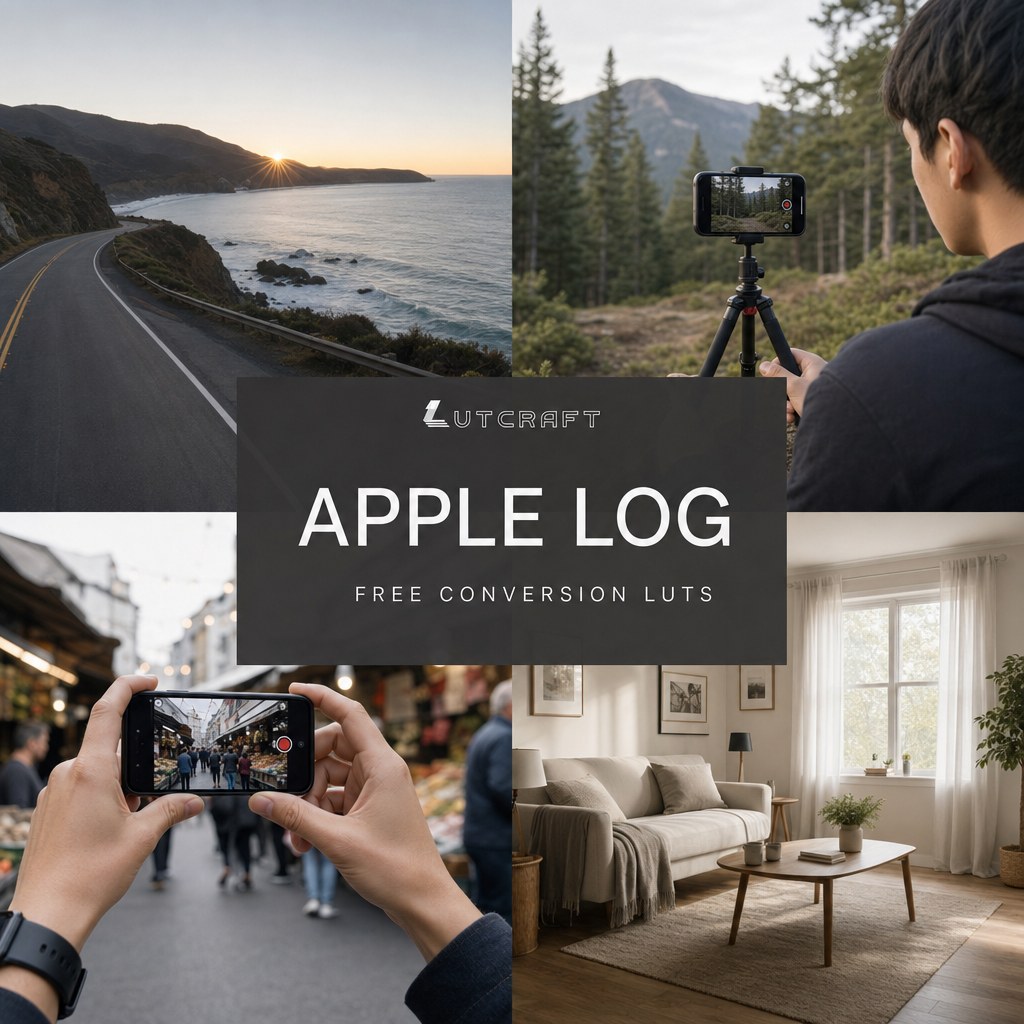
Apple Log footage from the iPhone 15 Pro and 16 Pro looks flat and gray straight out of the camera. That is by design, the sensor saves maximum dynamic range and expects you to convert it. Good Apple Log conversion LUTs are surprisingly hard to find, most free options only cover Apple Log 2. These three do the conversion for the original Apple Log: accurate Rec.709 color with correct contrast and natural skin tones, ready to use or grade on top of.
What you get: three 33-point .cube files, the format every editor supports, including CapCut on desktop and VN Video Editor or LumaFusion on iPhone:
- Natural, clean and accurate, the all-round choice
- Strong, more contrast and saturation straight out of the box
- Soft, a low contrast base made for grading on top
On an iPhone 17 Pro? That records Apple Log 2, grab the matching free Apple Log 2 conversion LUTs instead.
Ready for graded looks on top? The full pack is out: IPHONE CINEMA – LUT pack, 10 cinematic looks in Apple Log 2, Apple Log and Rec.709 versions.
How to use them: full step-by-step instructions for CapCut, DaVinci Resolve, Premiere Pro and Final Cut are in our guide: How to Color iPhone Log Footage.
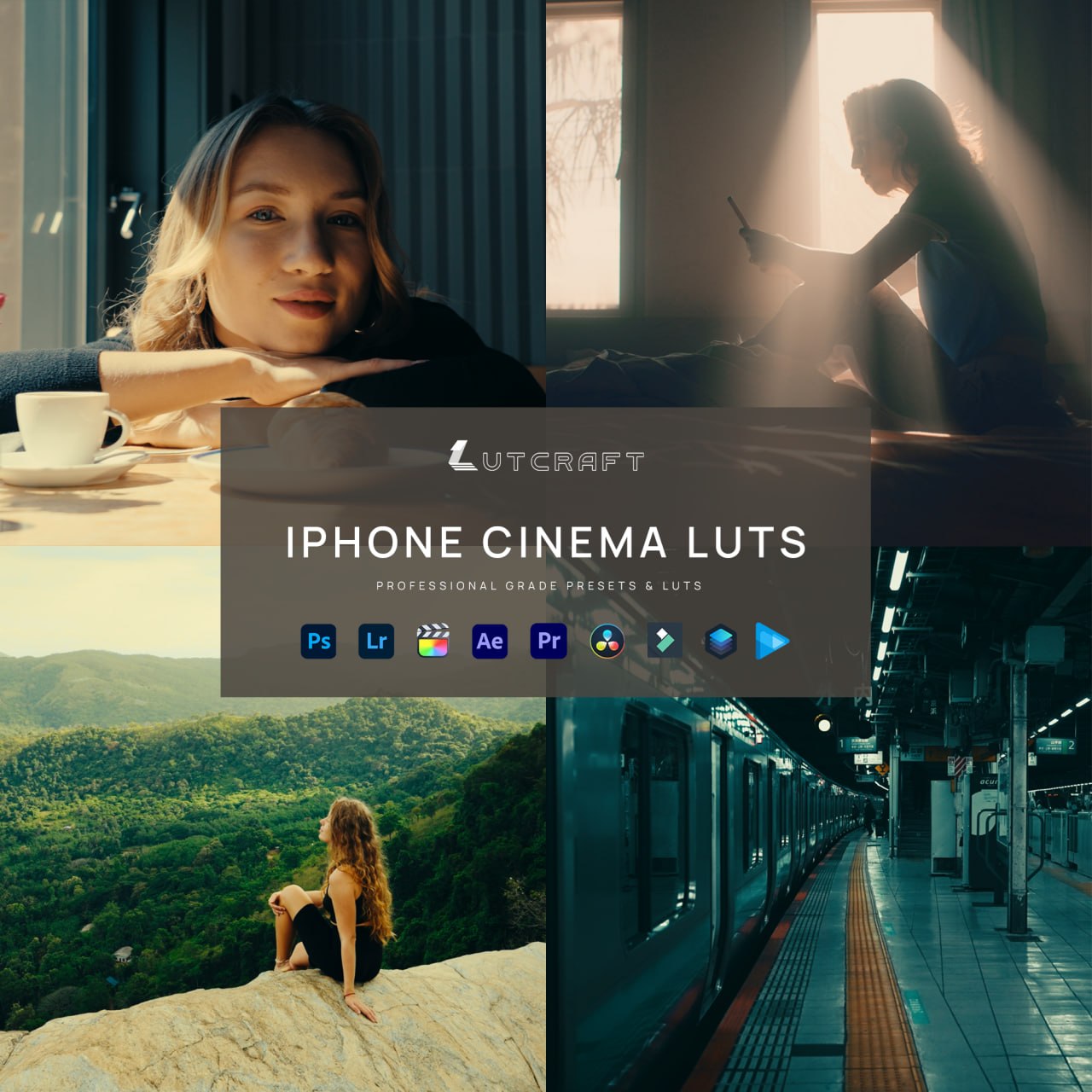
Ready for the graded looks?
The conversion LUTs in this free pack are included in IPHONE CINEMA. The upgrade is the ten graded looks that go on top. One file per look, finished color.