
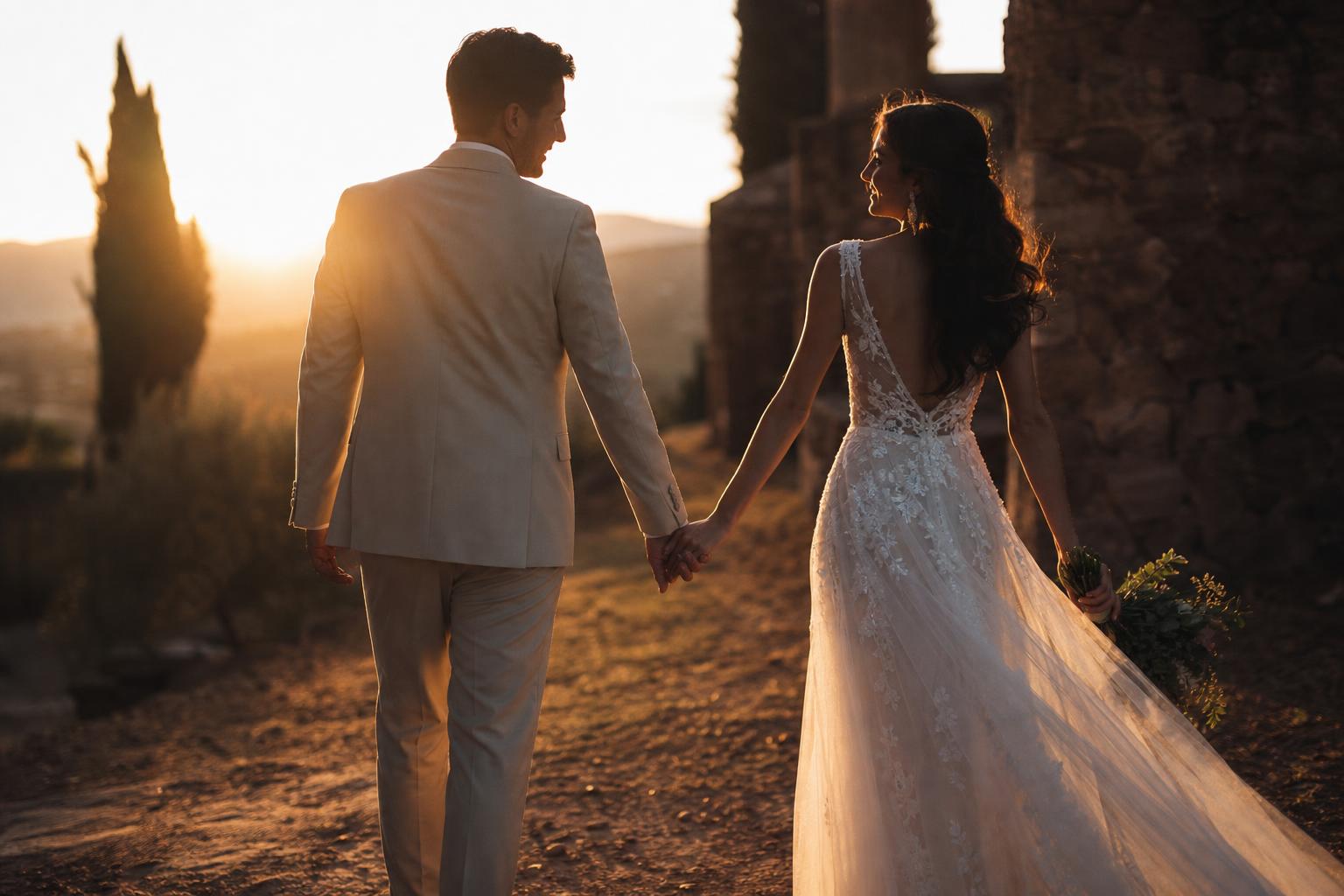
Wedding filmmaking has its own color grading challenges. You shoot in mixed lighting all day — bright outdoor ceremonies, candle-lit receptions, fluorescent prep rooms — and you need it all to feel like one coherent film. The grade is what holds it together.
This is the workflow that works for two-person wedding crews running a single editor through Premiere or DaVinci Resolve.
The wedding day color reality
A typical wedding spans 8-12 hours and 4-6 dramatically different lighting setups:
- Bride/groom prep (window light, often warm interior)
- First look (outdoor, depending on time of year wildly different)
- Ceremony (often mixed: outdoor sun + indoor shade, or church with stained glass)
- Family portraits (wherever the photographer dictates)
- Cocktail hour (golden hour or fluorescent rooms)
- Reception (tungsten + LED + candles, generally a color disaster)
If you try to grade each scene independently with no plan, your final film looks like six different videos cut together. The trick is building a consistent base look that adapts to lighting, not changes with it.
Shoot for the grade
The best wedding grading happens in pre-production, not post.
Use Log if your camera supports it. Sony FX3/FX6/A7S users have S-Log3. Canon R5/R5C users have C-Log3. Panasonic GH7 has V-Log. iPhone 15/16 Pro has Apple Log. The extra dynamic range saves you in mixed indoor lighting at the reception.
Set white balance manually per scene. Auto white balance shifts mid-clip when lighting changes (cake-cutting suddenly has candles added), which is a nightmare to fix. Lock it to 5600K outdoor, 3200K indoor, 4500K mixed. You can adjust in post but locking removes mid-clip drift.
Shoot at least one neutral reference per scene. A grey card or white shirt held in the dominant light is enough. When you’re grading 6 hours of footage you’ll thank yourself.
Step 1: Set up your color management
For weddings shot on Log, you want one consistent path from camera Log to your final delivery. In Premiere or Resolve:
- Set project working color space to Rec.709 (most clients deliver in standard HD/4K Rec.709)
- Apply input transform LUT per clip — match camera to Log type
- Grade above that
This means your CINEMA LUT, DARK DREAMS LUT, or whatever creative pack you use is applied in the same way regardless of which camera shot the clip. Consistency across cameras is critical for weddings.
Step 2: Build a base wedding look
Most successful wedding cinematographers use a base look that has these characteristics:
- Slightly desaturated greens. Wedding venues often have over-saturated foliage that fights with subject color. Pulling green saturation down 10-15% lets skin tones lead.
- Lifted shadows. Crushed blacks make wedding footage look too edgy. Lifting shadows 5-10% keeps the emotion light.
- Warm skin, slightly cool ambient. Bridal makeup is often very warm. Grading the ambient slightly cool (5-8 points blue in shadows/midtones) makes skin pop without looking unnatural.
- Soft contrast. Hard contrast feels editorial. Soft contrast feels emotional. Use a gentle S-curve, not a hard one.
Our CINEMA pack includes several looks that fit this template. The retro and moody variants work particularly well for ceremony footage. The DARK DREAMS pack handles dimly-lit reception scenes the standard CINEMA LUTs can’t quite reach.
Step 3: Build scene-specific variations from the base
Once your base look is locked, every scene gets a small variation:
Prep scenes — Lift exposure slightly, push warmth in highlights (window light bias). Soft and intimate.
Outdoor ceremony — Slight green pullback in foliage, push warmth in skin tones to compensate for blue cast from sky shade.
Indoor ceremony — Add 3-5 points of green pullback in midtones (stained glass and altar colors fight with skin). Slight contrast boost for the dramatic moment.
Reception (tungsten) — Cool down the highlights to balance the strong amber cast of incandescent fixtures. Don’t try to make tungsten look like daylight — embrace the warmth, just don’t let it dominate.
Reception (LED) — Modern LED is often slightly green. A 3-5 point magenta tint in midtones fixes this.
The base look is the constant. The per-scene tweaks are the variables. This is what makes wedding films feel coherent.
Step 4: Handle the impossible scenes
Every wedding has 1-2 clips that just won’t grade cleanly. Common culprits:
The mixed-light reception where there’s candlelight at 1800K, tungsten ceiling fixtures at 3200K, and a dance floor LED rig cycling through every color. Pick the dominant light source for that subject — usually whoever is closest to the most important person — and grade for that. Accept that the background will look off.
The full-sun ceremony where contrast is crushing skin and faces are blown out. Use HSL secondary to bring down highlights ONLY on skin tones, leaving sky highlights alone. In Resolve, use a qualifier; in Premiere, use HSL Secondary in Lumetri.
The dim reception speeches where ISO is high and noise is visible. Use temporal noise reduction (Resolve: temporal NR at 2 frames, blend 50%; Premiere: Lumetri → Curves → reduce shadow contrast slightly + Neat Video plugin if available).
Step 5: Final delivery considerations
For weddings delivered as long-form films:
- Master in Rec.709 (sRGB), 8-bit color depth is fine
- Export H.265 (HEVC) at 50-80 Mbps for 4K, or H.264 at 60-100 Mbps
- Audio: 48kHz, 192-256 kbps AAC
For social-media highlights (Instagram, TikTok, the couple’s IG story):
- 9:16 vertical from a 16:9 master, focus the framing on subject heads
- Slightly punchier contrast and saturation than the long-form (mobile screens flatten color)
- 10-30 second clips, optimized for the platform’s algorithm
One trick that works well: render two versions of each scene — the long-form grade and a slightly enhanced “Instagram grade” with +5% saturation and +3% contrast. Saves time vs grading twice from scratch.
A base look you do not have to build
See it in motion
Step two above is building a base look from scratch, which is the slowest part of a wedding delivery. The CINEMA LUT pack gives you 24 finished starting points instead, warm and neutral through to moody and black and white, so you pick one and spend the time on the scene variations rather than on the foundation.
What’s included
| Cinematic looks | 24, retro, moody and black & white |
| Conversion LUTs | 17 log formats, C-Log3 and S-Log3 included |
| Monitor versions | 17×17, for on-set preview |
| Installation guide | step-by-step PDF |
| Works in | Premiere, DaVinci, Final Cut, LumaFusion |
$29.95$44.95instant downloadGet CINEMA
The takeaway
Wedding color grading is consistency under chaotic conditions. Build a base look, apply it everywhere, tweak per scene from that base. Shoot Log for dynamic range, lock white balance per scene to prevent drift, and accept that one or two impossible-light scenes will need creative compromise.
If you want a starting point for the base look, our CINEMA pack and DARK DREAMS pack were built with weddings, music videos, and indie films in mind. Both are .CUBE LUTs so they work in any editor. The Cinematic Mega Bundle gives you both plus DRONE for $89.