
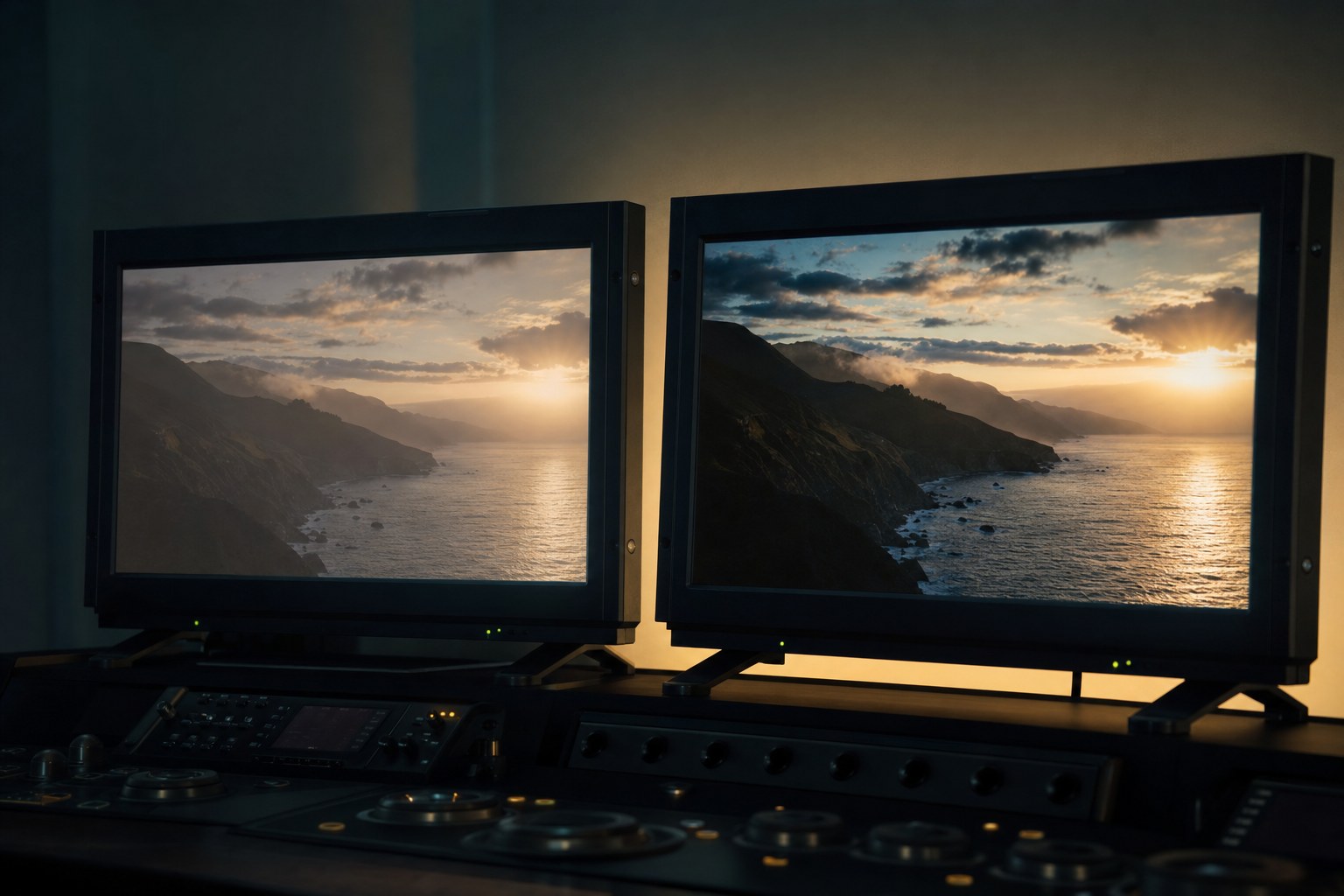
HDR gets talked about as though it were a quality upgrade, a better version of the
thing you already make. It is not. It is a different delivery target with different
requirements, and choosing it changes what you have to do at every stage.
For most work, Rec.709 is still the right answer. Here is how to tell when it is
not.
What the difference actually is
Rec.709 is the standard almost everything has used for years. It assumes a normal
screen in a normal room, and it holds a limited range between the darkest and brightest
parts of the image.
HDR holds a much wider range. Bright things can be genuinely bright while shadows stay
dark, instead of everything being compressed into the same narrow band. On a display that
supports it, the difference is obvious.
The catch is that HDR only exists if the whole chain supports it. The camera, the
edit, the export, the platform and the viewer’s screen. Break any link and the viewer
either sees a Rec.709 version anyway, or sees something worse than if you had delivered
Rec.709 in the first place.
Deliver Rec.709 when
The client is a business. Corporate video, adverts, social content
and websites are watched on whatever people happen to have, which mostly means a laptop
or a phone in a bright room. HDR gains you nothing there and can cost you.
You are delivering to social platforms. Handling varies, compression
is aggressive, and the tone mapping applied to your HDR file is out of your control.
You cannot check it. If you do not have a display that shows HDR
properly, you are grading blind. Delivering something you have never actually seen is not
a professional position to be in.
Timeline and budget are normal. HDR means a second grade, a second
export and a second round of checks.
Deliver HDR when
The client asked for it and specified a standard. HDR10, HLG and
Dolby Vision are not interchangeable. If nobody can tell you which one, that is a sign
the request is aspirational rather than technical.
The footage supports it. HDR wants well exposed log or raw with real
range in it. Grading an underexposed 8-bit clip into HDR makes its weaknesses larger, not
smaller.
The subject earns it. Landscape, night exteriors, concerts, anything
with genuinely bright highlights against dark surroundings. A talking head in an office
gains nothing.
The practical answer for most people
Grade in Rec.709, deliver in Rec.709, and be honest with the client that HDR is
available as a separate piece of work with its own cost. That is a better conversation
than quietly delivering an HDR file nobody can play.
Shooting log is worth it regardless, because it gives you the range to go either way
later. What you should not do is shoot log, grade quickly in Rec.709, and then convert
that grade to HDR afterwards. You are stretching a finished image rather than using the
range you captured.
One thing that catches people out
Creative LUTs are built for a delivery target. A look designed for Rec.709 applied in
an HDR timeline will not behave the way it does in your reference, because the maths
underneath assumes a different range.
Our packs are built for Rec.709, which is what the overwhelming
majority of delivered work still is. Convert first with the
free conversion LUTs, then grade.