
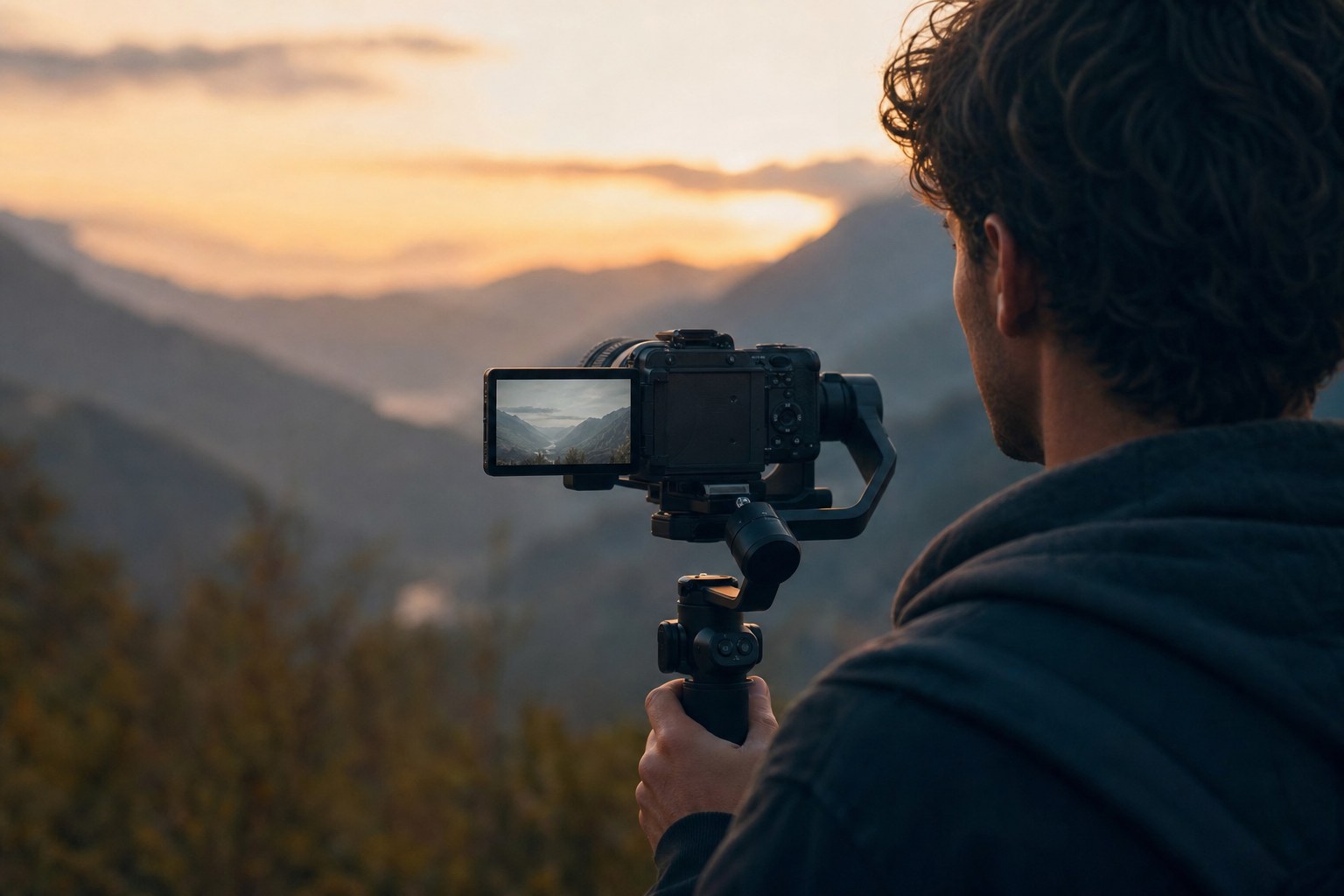
S-Log3 gives you the most range Sony’s sensors can hold, and it looks terrible until
you convert it. That flat grey image is compressed, not broken. This guide covers how to
shoot it, how to bring it back to Rec.709, and the two mistakes that cause most of the
noise people blame on the format.
Which Sony cameras shoot S-Log3
The a7S III, a7 IV, a7R V, a1, and the whole Cinema Line: FX3, FX30, FX6 and FX9.
Older bodies like the a7S II and a6300 shoot S-Log2 instead, which needs a different
conversion.
How to turn it on
On most bodies it lives under Picture Profile: PP8 or PP9, both of which use the
S-Log3 gamma. Newer cameras have moved it to a dedicated Log Shooting item in the movie
menu. If you are choosing between colour gamuts, S-Gamut3.Cine is the more manageable
one in post.
Expose it properly or the LUT cannot save it
This is where most S-Log3 footage goes wrong. The format has a high base ISO, and
S-Log3 lifts the shadows so much that the noise floor sits closer to the image than you
expect. Shoot it dark, lift it in post, and you pull that noise straight up with it.
Rate the camera at its base ISO and expose to the right. Many shooters deliberately
overexpose by one to two stops and pull it back after conversion. The highlight range is
there to take it.
Converting to Rec.709
Apply the conversion as the first node in Resolve, or as the Input LUT in Premiere’s
Lumetri panel. Not the Creative slot. The conversion has to happen before anything else
touches the image, otherwise your look is being applied to compressed data.
After conversion the image should look normal, not finished. Contrast and saturation
land in a sensible place and you grade from there.
S-Log2 is not the same thing
If the footage still looks flat after applying an S-Log3 LUT, or crushed and
oversaturated, check which profile the clip was actually shot in. S-Log2 has a different
curve and needs its own conversion. Both are in our complete pack.
From flat S-Log3 to a finished look
See it in motion
The conversion gets you a correct image. It does not get you a look. That is the second step, and it is the one that takes time if you do it by hand on every clip. The CINEMA LUT pack is 24 graded looks across retro warmth, moody depth and black and white. The S-Log3 conversion is already in the pack, so you convert once and then pick a look on top of it without downloading anything else.
What’s included
| Cinematic looks | 24, retro, moody and black & white |
| Conversion LUTs | 17 log formats, C-Log3 and S-Log3 included |
| Monitor versions | 17×17, for on-set preview |
| Installation guide | step-by-step PDF |
| Works in | Premiere, DaVinci, Final Cut, LumaFusion |
$44.95instant downloadGet CINEMA
Shooting Sony alongside a drone or an iPhone? The Cinematic Mega Bundle carries 145 looks and all seventeen conversions for $89.95
Download
Get the free Sony S-Log3 to Rec.709
conversion LUT. Includes the 33×33 grading version and a 17×17 monitor version for
on-set preview.
Shooting more than one camera system? The
complete pack covers fifteen
of them. And if you want to know
what a conversion LUT actually
does, we wrote that up separately.