Description
See it in motion
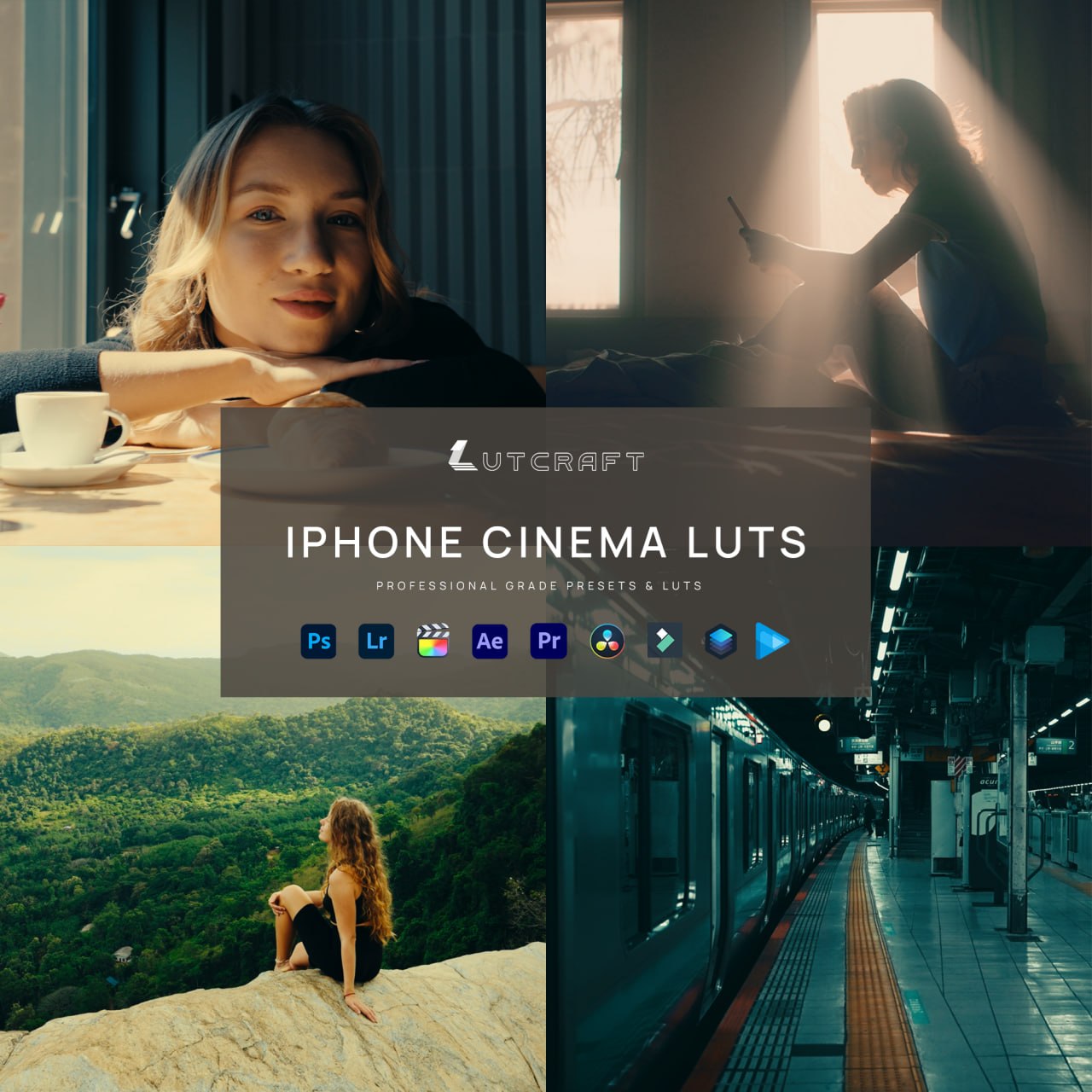
Your iPhone already shoots cinema-grade footage. Apple Log flattens the image to save every stop of light, and these LUTs finish the job: ten graded looks, built and tested on real iPhone footage, each one a single file away from a finished frame.
What’s included
| Cinematic looks | 10, each in three versions |
| Apple Log 2 versions (iPhone 17 Pro) | conversion built in, one file per look |
| Apple Log versions (iPhone 15/16 Pro) | conversion built in, one file per look |
| Rec.709 versions (any camera) | for non-Log footage |
| Conversion LUTs | 6 (Natural, Strong, Soft for both Log curves) |
| Total files | 36 LUTs, 33-point .cube |
| Guide | LUT User Guide (PDF) |
The looks
Pacific (teal and orange), Print 83 (Kodak print film), Nosta (warm nostalgic negative), Verde (Fuji-inspired greens), Golden (golden hour), Nordic (cool scandinavian), Noir (night and neon), Charcoal (dramatic black and white), Sixteen (16mm vintage), Slate (moody desaturated).
Before and after
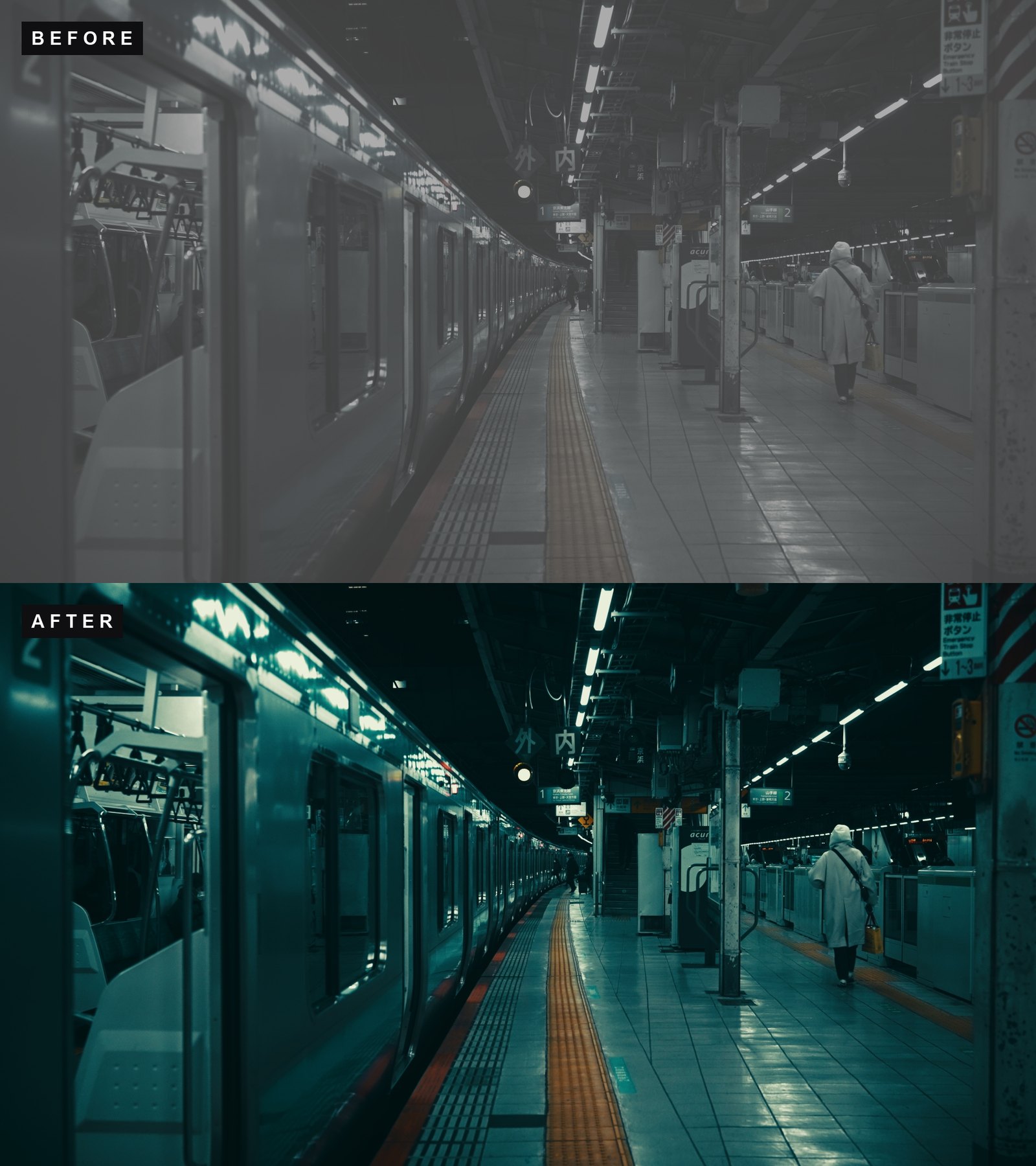
Pacific
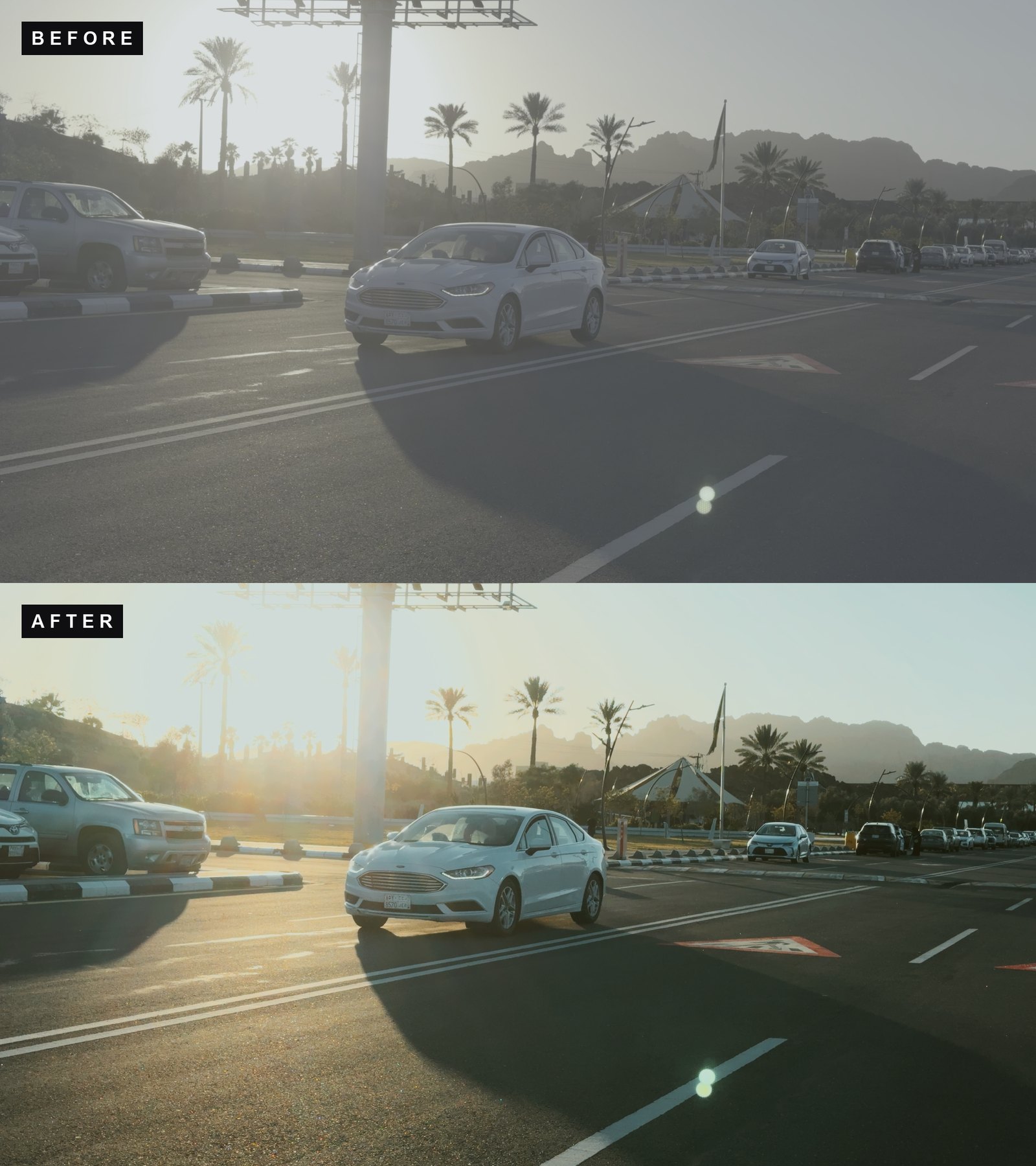
Print 83
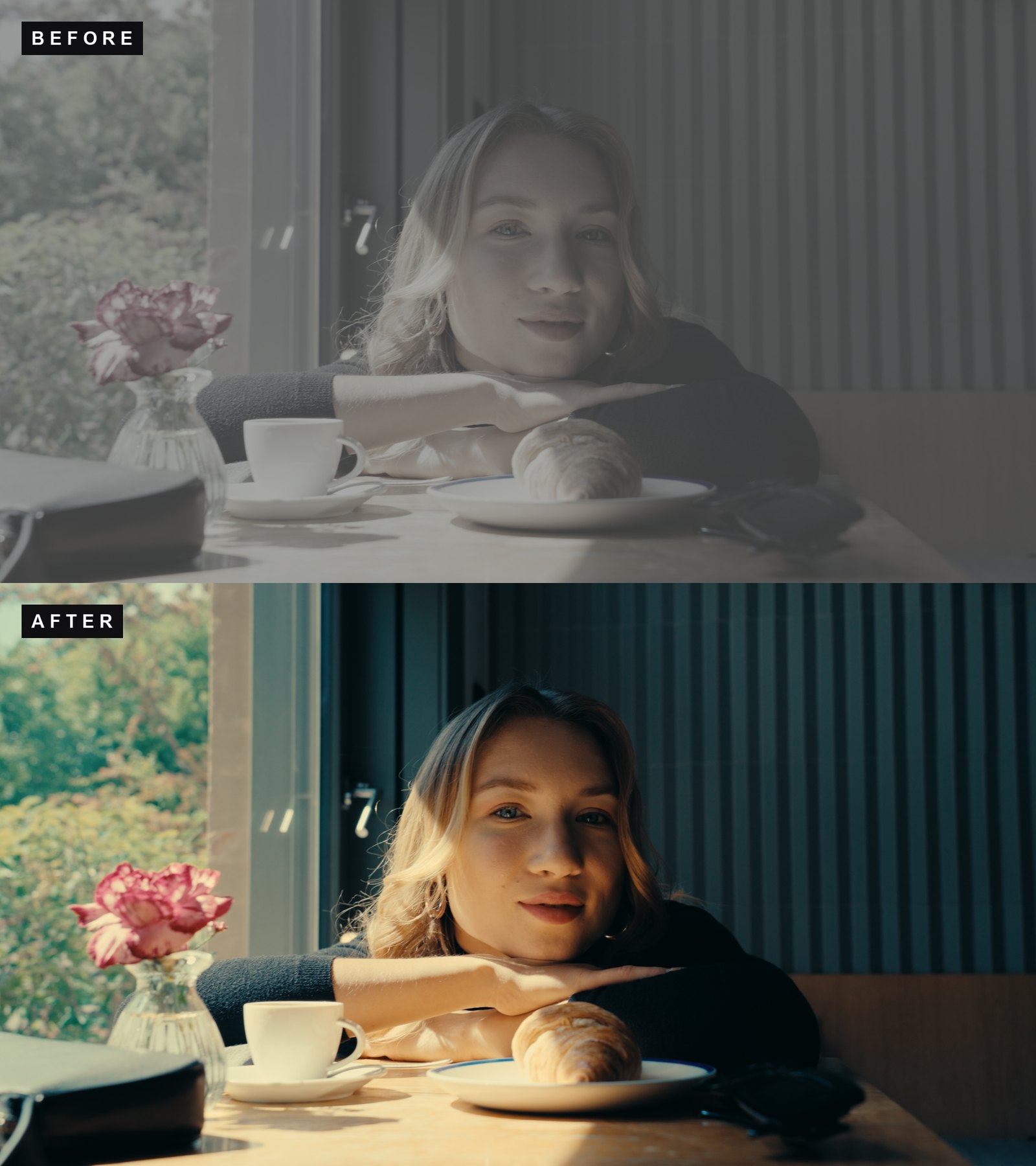
Nosta
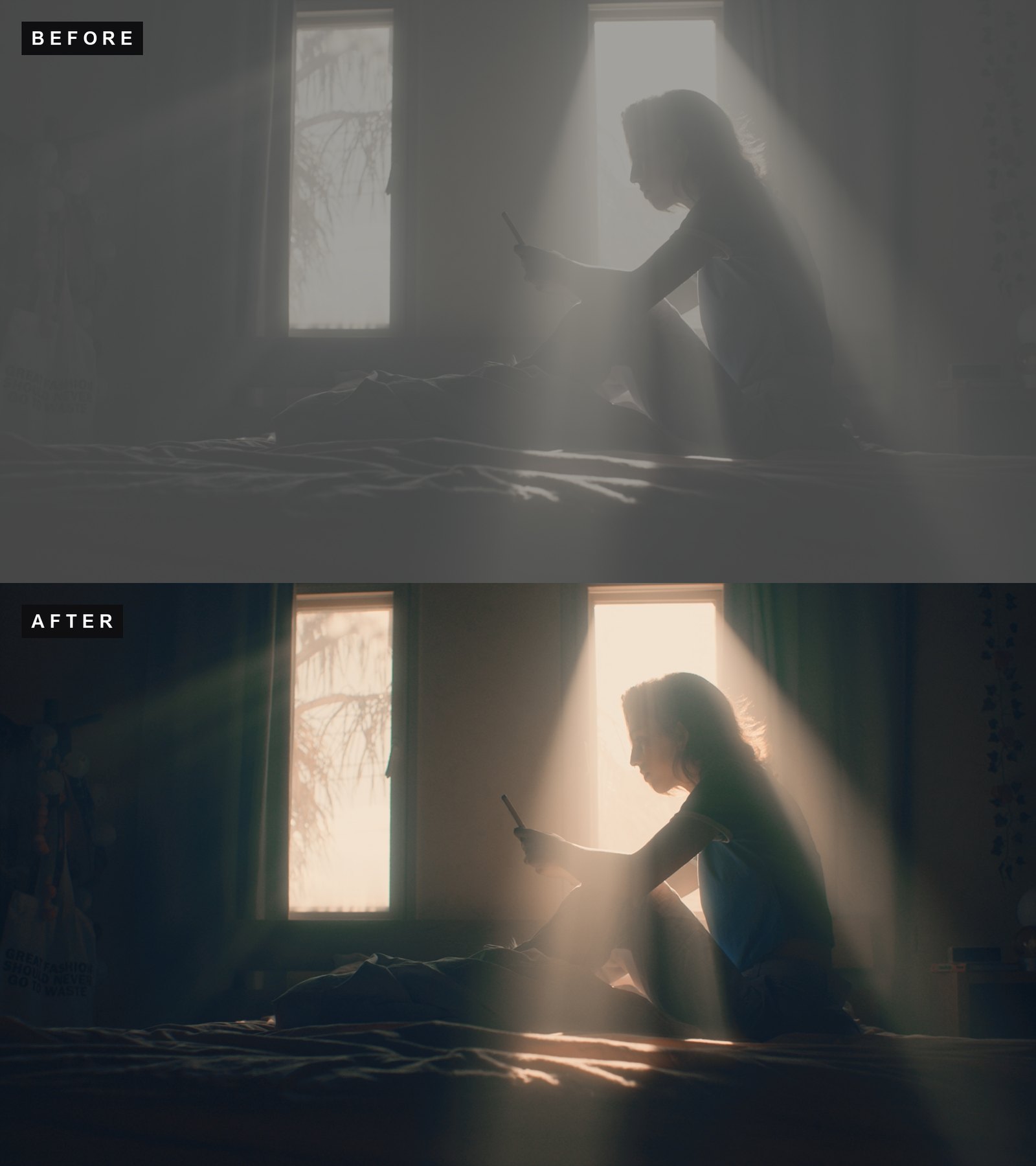
Noir
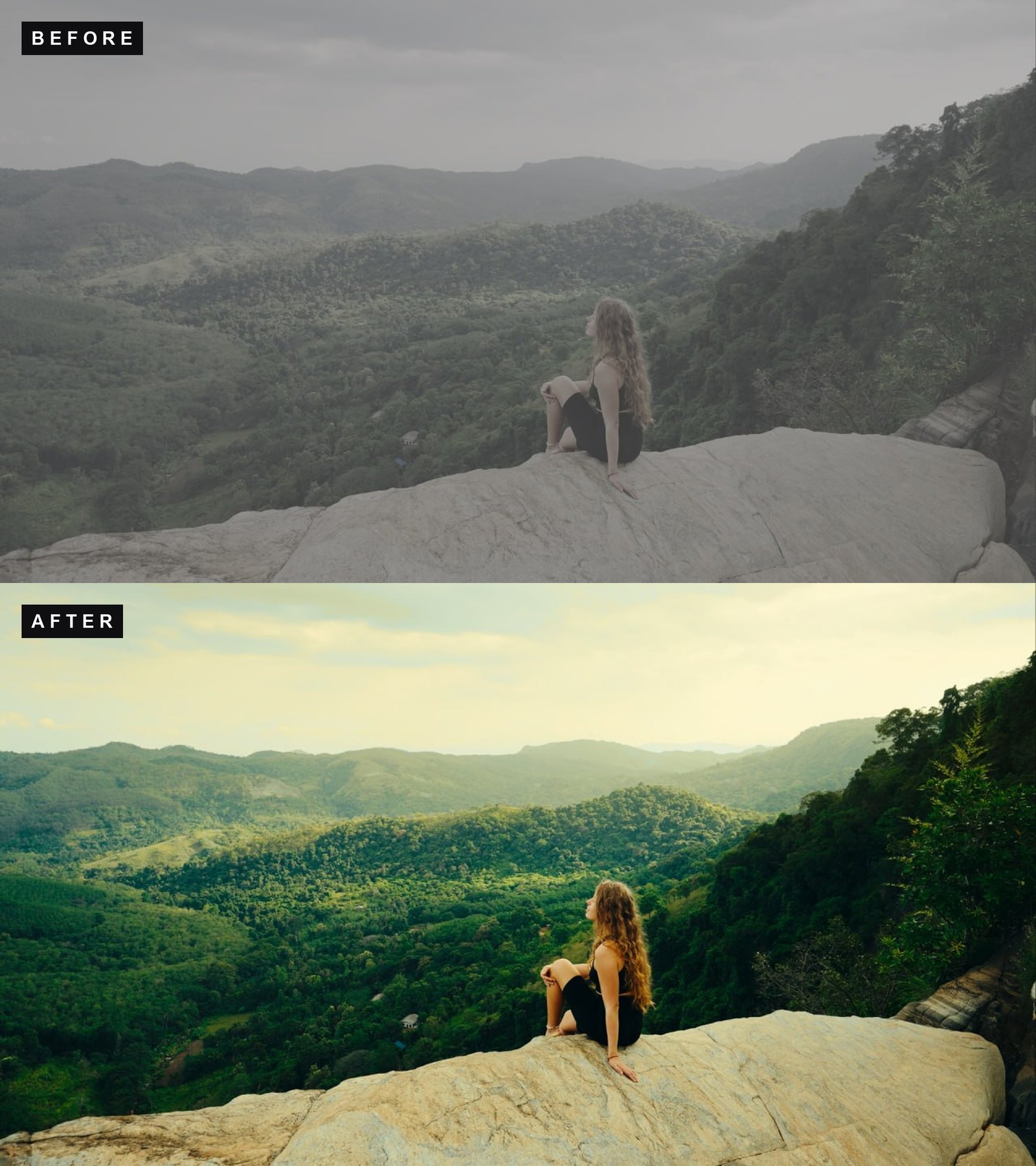
Verde
Compatibility
Works in every app that reads .cube files: CapCut (desktop), VN Video Editor and LumaFusion on iPhone, DaVinci Resolve, Premiere Pro, Final Cut Pro, After Effects, VN, and LUT-capable camera apps like Blackmagic Camera and Moment Pro for monitoring while you shoot.
For best results, record with Apple ProRes Log enabled (Settings, Camera, Formats) and pick the file that matches your footage. The included guide covers setup and install step by step.
Try the color science first
The conversion LUTs in this pack are also available free. Test them on your own footage, then come back for the looks.
License
Personal and commercial use. Instant download after checkout.