
The short answer: the best LUTs for iPhone footage are the ones built for Apple’s Log curves. Apple Log on the iPhone 15 and 16 Pro and Apple Log 2 on the 17 Pro are two different curves, and a LUT made for a cinema camera, or for the wrong curve, gives you broken color no matter how good the marketing looks. Here is what is actually worth downloading, free and paid.
What makes a LUT work on iPhone footage
Most “cinematic LUT packs” are built for Rec.709 video or for camera curves like S-Log3, then renamed and sold to everyone. Drop one of those on Apple Log and you get grey mush or orange skin, because the LUT expects a signal your iPhone never recorded.
A LUT that works on iPhone footage states its curve. There are two kinds worth knowing: conversion LUTs, which turn the flat Log image into correct Rec.709 color, and creative looks, which add a graded style on top. You either run them as two steps, or use looks with the conversion built in and do it in one.
Best paid pack: IPHONE CINEMA
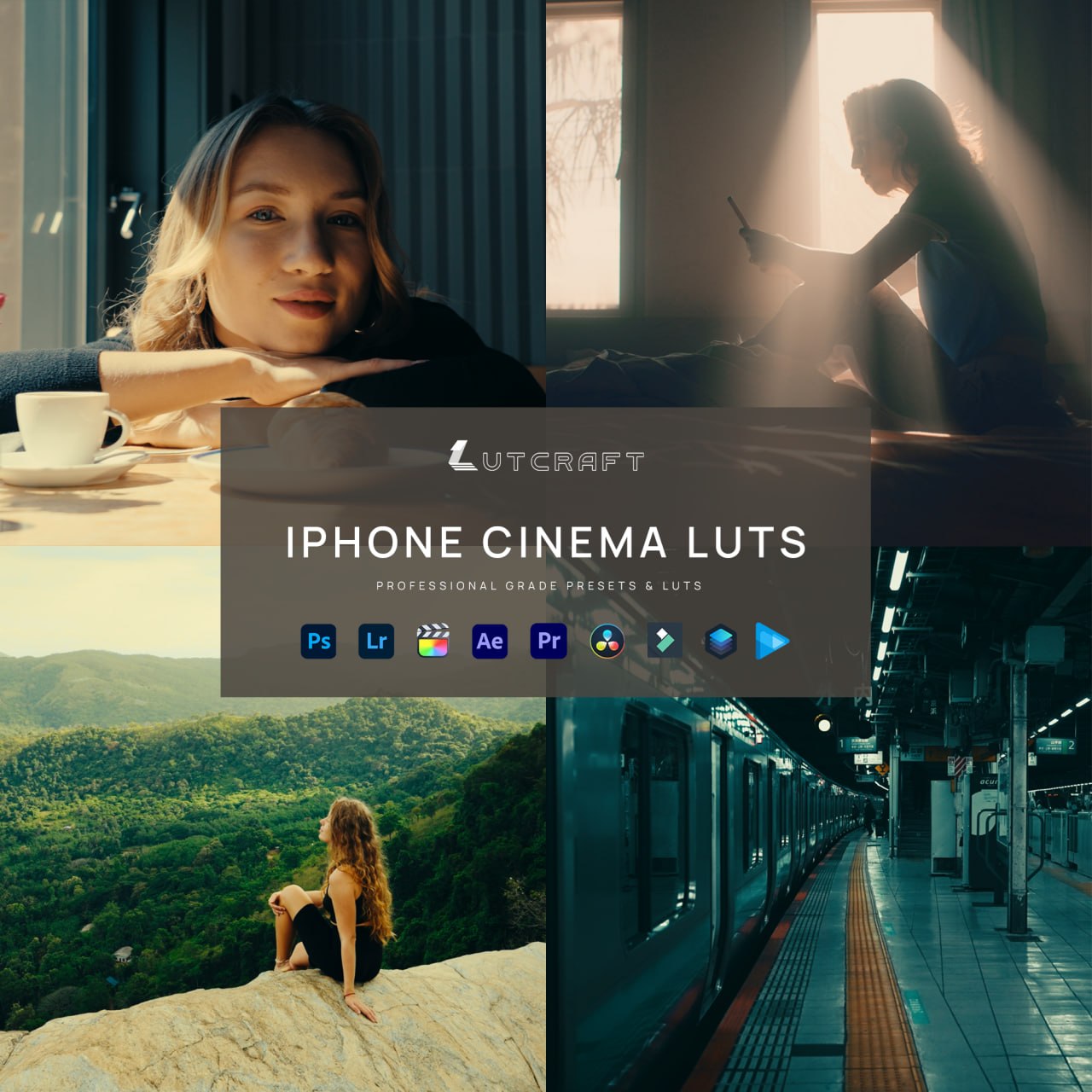
Ten graded looks, each in three versions: Apple Log 2 for the iPhone 17 Pro, Apple Log for the 15 and 16 Pro, and Rec.709 for everything else. The conversion is built into every file, so one LUT takes the flat clip straight to a finished grade.
The reason it tops this list is the version system. Every look ships pre-converted for both Apple Log curves, so there is no separate conversion step to get wrong, and the 33-point .cube format loads everywhere, including CapCut on desktop and VN Video Editor or LumaFusion on the phone itself. If you shoot on an iPhone and want finished color from one file, this is the one.
Best free option: our conversion LUTs
If you would rather grade yourself, the free conversion is all you need to start. It gives you clean, accurate Rec.709 color as a base:
- Apple Log 2 conversion LUTs for the iPhone 17 Pro, three strengths, with a step-by-step guide
- Apple Log conversion LUTs for the iPhone 15 and 16 Pro, same three strengths, with their own guide
Direct download, no email. And if you upgrade to IPHONE CINEMA later, these exact files are included, so nothing is wasted.
Free alternatives from elsewhere
Apple’s official conversion LUT. Search “Apple Log to Rec.709 Conversion LUT” on Apple’s developer site. It is technically clean, but it comes in one strength only and there are no looks, so plan on grading everything yourself.
Tobia Montanari’s free filmic looks. A solid free set of stylized LUTs updated for Apple Log 2. Fewer looks than a paid pack and no CapCut-focused instructions, but a fair way to test what a graded look does for your footage.
How to choose
- You want finished color from one file: IPHONE CINEMA.
- You want correct color and your own grade on top: the free conversion LUTs above.
- You are not sure yet: start free. The conversions are included in the pack, so upgrading later costs you nothing extra.
FAQ
Do these work in CapCut?
Yes. Everything mentioned here is 33-point .cube, the format CapCut, DaVinci Resolve, Premiere Pro and Final Cut all read.
Which iPhone records which curve?
The 15 Pro and 16 Pro record Apple Log, the 17 Pro records Apple Log 2. Check the LUT matches your curve, or use a pack that covers both.
Do I have to shoot in Log at all?
For conversion LUTs, yes, that is their whole job. If you shoot normal video, use the Rec.709 versions included in IPHONE CINEMA instead.