
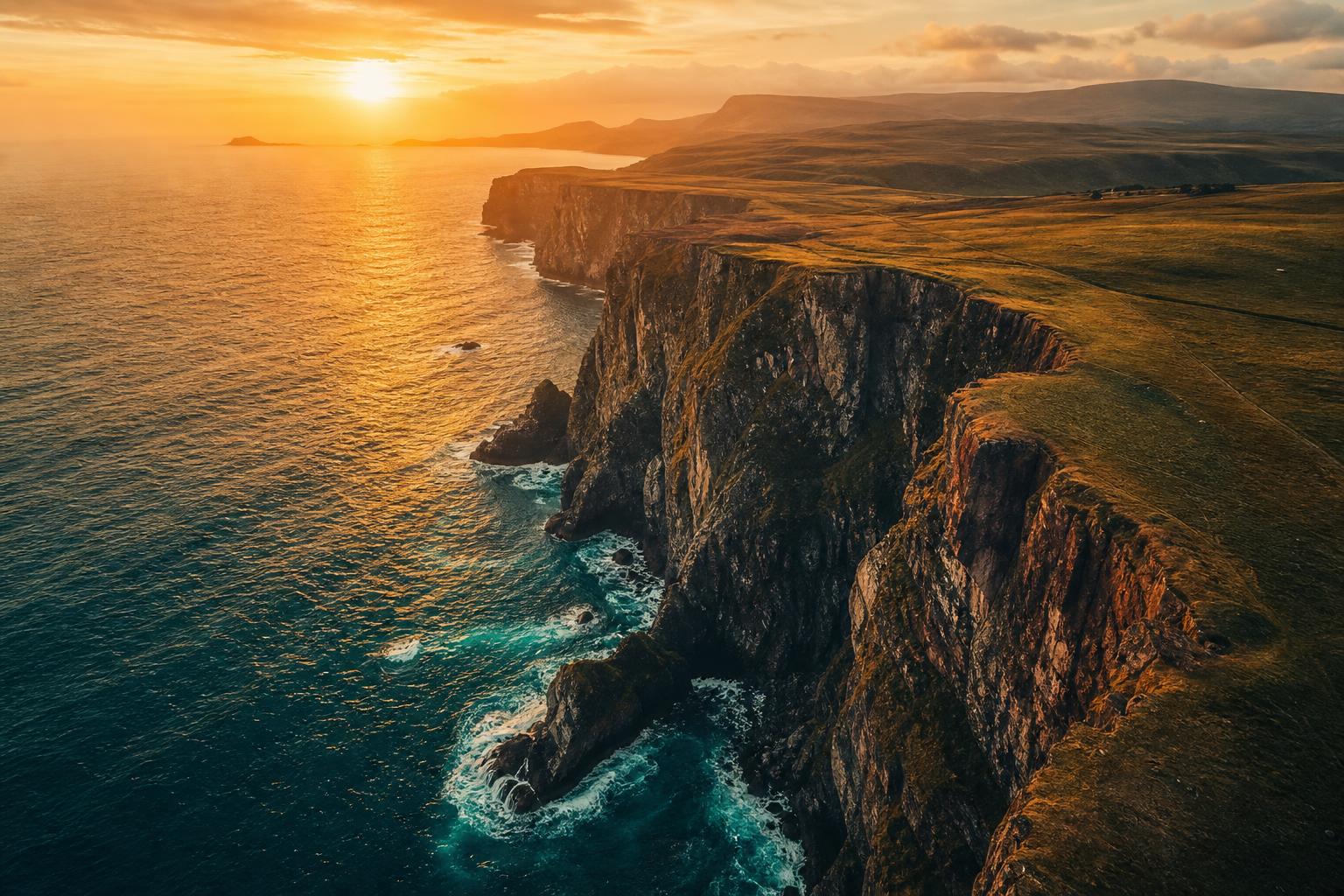
Drone footage shot in a log profile looks flat, grey and lifeless straight out of the camera. That is on purpose: the flat curve protects the highlights in the sky and the shadows in the terrain so you keep the detail. A LUT is what turns that protected image back into something people want to watch.
This page is the short version of everything on this site about DJI colour: which LUT you need, which pack covers it, and where to go next.
First: which curve is your drone recording?
This is the step almost everyone gets wrong, and it is the reason a LUT sometimes looks completely off.
D-Log and D-Log M are not the same curve. They need different conversions. Putting a D-Log LUT on D-Log M footage gives you crushed shadows and skin tones that have gone strange, and most people blame the LUT.
Here is which DJI drones record what:
| Drone | Records | Which conversion you need |
|---|---|---|
| Mavic 3, Mavic 3 Classic, Mavic 3 Pro | D-Log and D-Log M | Either, depending on what you selected |
| Inspire 3 | D-Log and D-Log M | Either, depending on what you selected |
| Mini 4 Pro | D-Log M only | D-Log M |
| Air 3, Air 2S | D-Log M only | D-Log M |
| Avata 2 | D-Log M only | D-Log M |
| Mavic 2 Pro | D-Log M only | D-Log M |
| Mavic Pro, Phantom 4 series, Phantom 3 series | D-Log only | D-Log |
| Mini 3 Pro, Mavic Air 2, Mavic Air, Mavic 2 Zoom | Neither, D-Cinelike instead | None. It is not a log curve |
Two things worth noticing in that table. The Air 3 and the Mini 4 Pro record D-Log M, not D-Log, even though plenty of people assume otherwise. And the Mini 3 Pro records D-Cinelike, which is not a log profile at all and does not need a log conversion.
You select the profile in the DJI Fly or DJI Pilot 2 app under Color. If you are not sure what your existing clips are, check that setting before your next flight rather than guessing afterwards.
The pack: DRONE, 53 LUTs that cover every DJI curve

This is the one to get if you actually want your drone footage to look finished rather than merely corrected.
- 20 looks for D-Log
- 20 looks for D-Log M
- 11 looks for Rec.709, for footage that was never shot in log
- 2 conversion LUTs, one for each DJI curve
Fifty-three .CUBE files. They work in Premiere Pro, DaVinci Resolve, Final Cut Pro, LumaFusion and anything else that loads a .CUBE file. Instant download.
Look back at the table above and the reason both curves are covered becomes obvious. Fly a Mavic 3 and an Air 3 and you are shooting two different curves. A pack that only handles D-Log leaves half your footage stranded, and a pack that only handles D-Log M leaves the other half. This one keeps working whichever drone you fly next.
It is also part of the Cinematic Mega Bundle if you shoot more than drones.
Free option: the D-Log conversion on its own
If you would rather try the colour science before paying for anything, the D-Log conversion is free. It is the same conversion that ships inside the pack.
- 33×33 LUT for editing and grading
- 17×17 monitor version for on-set preview
- Install notes for DaVinci Resolve, Premiere Pro, Final Cut Pro and Photoshop
Two things to know before you download it. It covers D-Log only, so it is for the Mavic 3 family, the Inspire 3 and the older Phantom and Mavic Pro models. And a conversion is not a look: it puts the image on a correct neutral base, which is where grading starts, not where it ends. The fifty-three looks in the pack are what take it the rest of the way.
Download the free D-Log conversion
Guides for DJI footage
Longer walkthroughs if you want to understand what you are doing rather than just apply a file:
- DJI D-Log colour grading: a practical guide for drone pilots — the full workflow, from conversion to export, including the two mistakes drone pilots make most often.
- DJI D-Log to Rec.709 guide — just the conversion step, in detail.
- How to colour DJI D-Log footage — the short practical version.
Common questions
Which LUT do I need for a Mavic 3?
The Mavic 3 series can record both curves, so check which one you selected. Either way the DRONE pack covers it, with twenty looks for each.
Which LUT do I need for an Air 3?
The Air 3 records D-Log M, not D-Log. This is the single most common mix-up with this drone, and it is why the free D-Log conversion will not give you the right result on Air 3 footage. You need the D-Log M conversion, which is in the DRONE pack together with twenty looks built for that curve. The same applies to the Air 2S.
What about the Mini 4 Pro?
D-Log M as well. Same answer as the Air 3.
What about the Mini 3 Pro?
The Mini 3 Pro does not shoot log at all. It records D-Cinelike, which is already close to a normal curve, so it needs no log conversion. Use the eleven Rec.709 looks in the DRONE pack instead.
Do these work in LumaFusion on an iPad?
Yes. They are standard .CUBE files, so anything that loads a .CUBE will load these.
Do I still need a conversion LUT if I shot in Rec.709?
No. Footage shot in the standard profile is already on a normal curve. Skip the conversion and go straight to the eleven Rec.709 looks in the pack.
How to choose
If you fly one drone, shoot D-Log and only ever want a neutral image, the free conversion is enough and you are done.
If you want your footage to have a look, or you fly more than one DJI drone, or you expect to change drone at some point, take the pack. Fifty-three LUTs, both curves, plus Rec.709, and it stays useful the day you upgrade.