
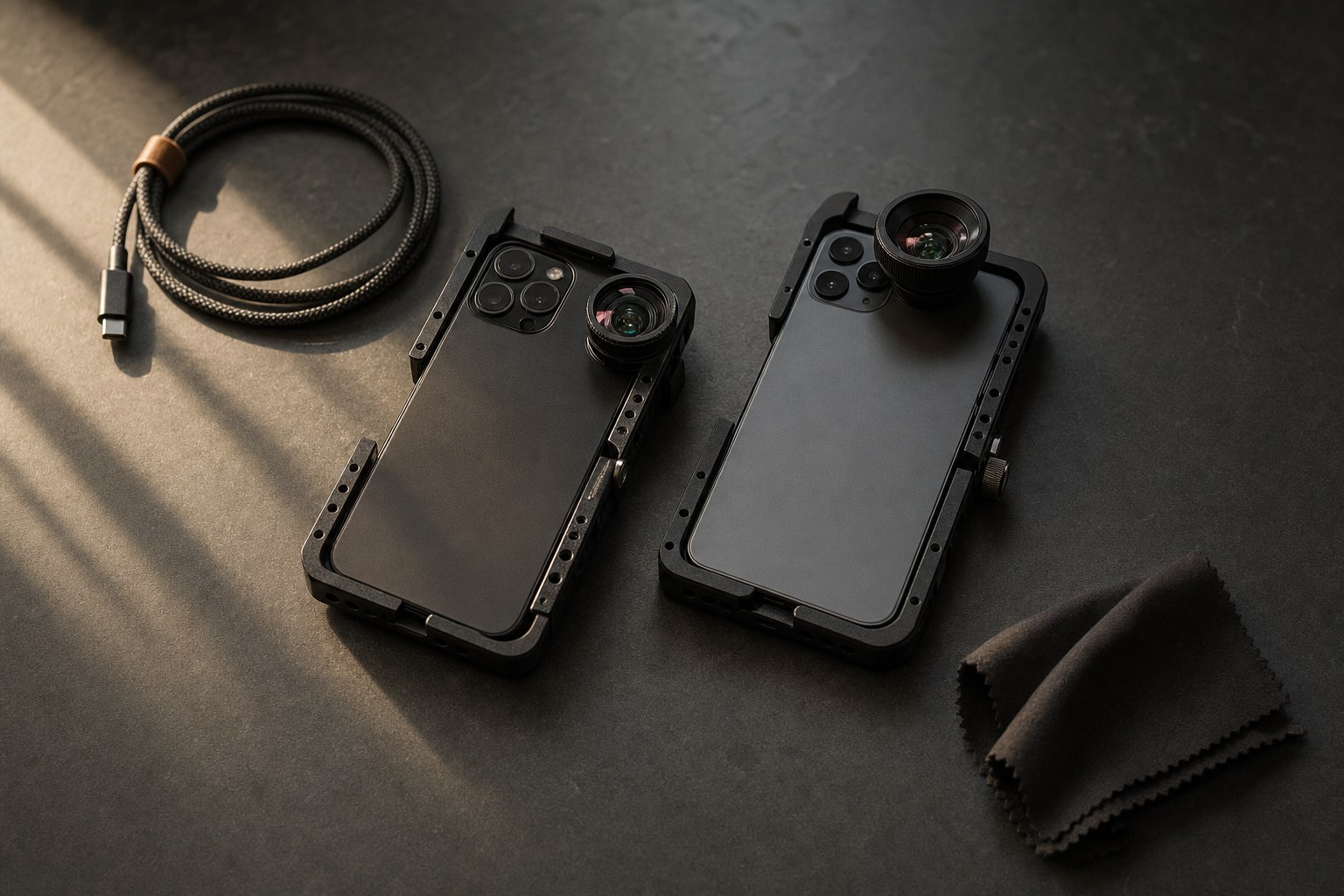
The short answer: Apple Log 2 is the newer log format, and only the iPhone 17 Pro and 17 Pro Max record it. The iPhone 15 Pro and 16 Pro record the original Apple Log. They are two different curves, so they need two different conversion LUTs. Using the wrong one leaves your color slightly off in a way that is hard to fix later.
Which iPhone records which
This is the part that trips people up, because both are called “Apple Log” in conversation.
- iPhone 15 Pro and 15 Pro Max: Apple Log (the original)
- iPhone 16 Pro and 16 Pro Max: Apple Log (the original)
- iPhone 17 Pro and 17 Pro Max: Apple Log 2
If you are not sure which one your footage is, check the phone it came off. There is no setting that switches between the two, the model decides it.
What actually changed in Apple Log 2
Apple Log 2 records a wider color gamut than the original Apple Log, in both ProRes and HEVC. In practice that means more color information survives into the grade, which is what you want when you push saturation or shift hues in post.
The iPhone 17 Pro also added ProRes RAW capture through Final Cut Camera 2.0. That is a separate feature from Log 2, but the two often get mentioned together because they arrived at the same time.
What has not changed is the reason to shoot log at all: the image comes out of the camera flat and gray on purpose, so that highlights and shadows are still there when you grade it.
Why the LUT has to match the curve
A conversion LUT is a translation. It takes the flat log image and maps it back to normal Rec.709 color. That mapping is built for one specific curve.
Put an Apple Log LUT on Apple Log 2 footage and you get something that looks close but is not right: skin tones drift, contrast lands in the wrong place, and the saturation is off just enough to be annoying. You can spend twenty minutes correcting that by hand, or you can use the LUT built for the curve you actually shot.
So: Apple Log footage gets an Apple Log LUT. Apple Log 2 footage gets an Apple Log 2 LUT.
Get the free conversion LUTs
Both are free, no payment details needed.
- Apple Log to Rec.709 for iPhone 15 Pro and 16 Pro
- Apple Log 2 to Rec.709 for iPhone 17 Pro
Each one ships in three strengths (Natural, Strong and Soft) as 33-point .cube files, which load in CapCut, DaVinci Resolve, Premiere Pro, Final Cut Pro and LumaFusion.
How to record Apple Log 2 on iPhone 17 Pro
- Open Settings > Camera > Formats
- Turn on Apple ProRes
- Set the color capture option to Apple Log 2
- In the Camera app, the ProRes indicator appears at the top of the frame when you are recording it
ProRes files are large. A minute of 4K ProRes runs into several gigabytes, so record to an external drive over USB-C if you are shooting anything long.
What the conversion actually looks like
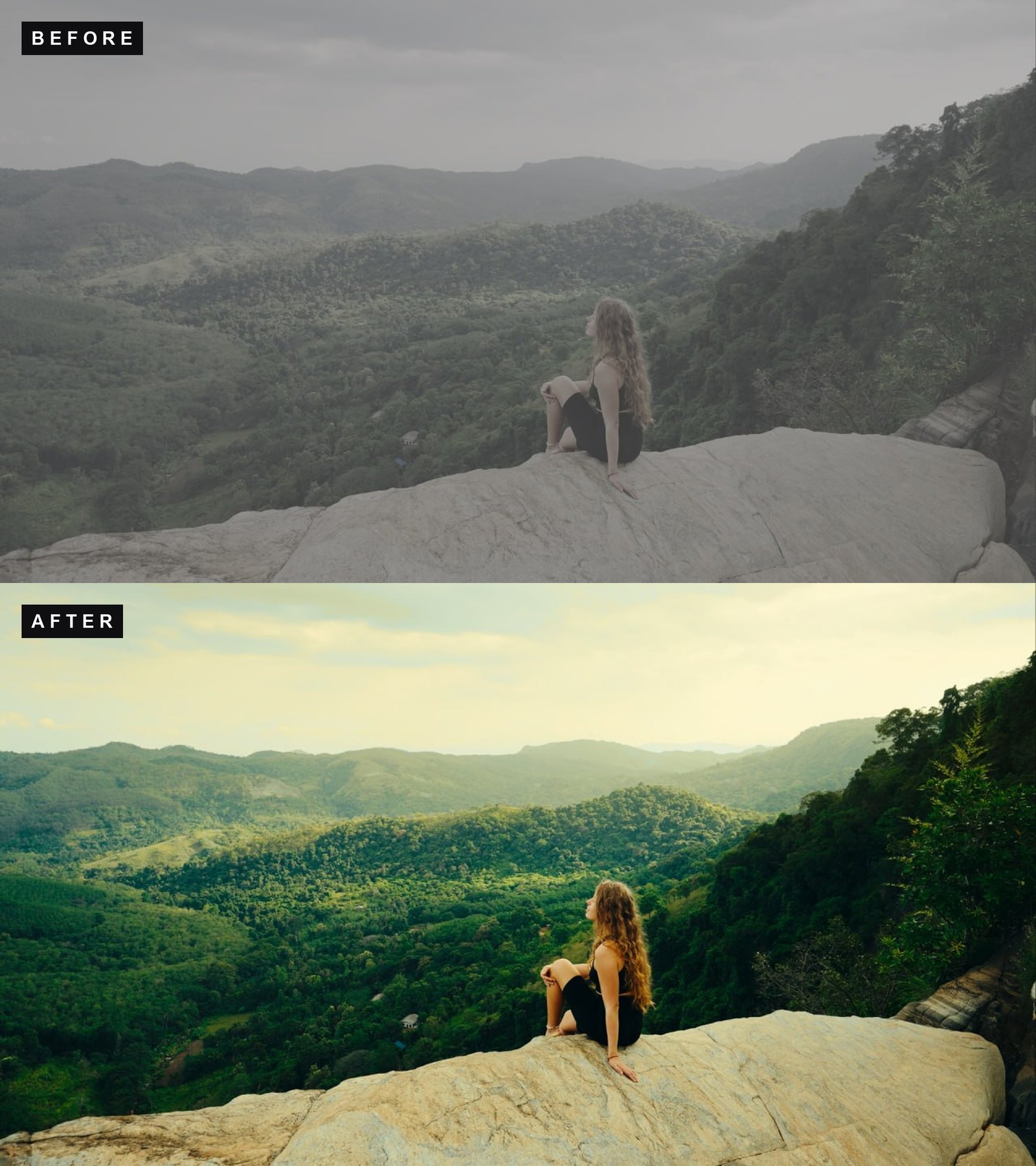
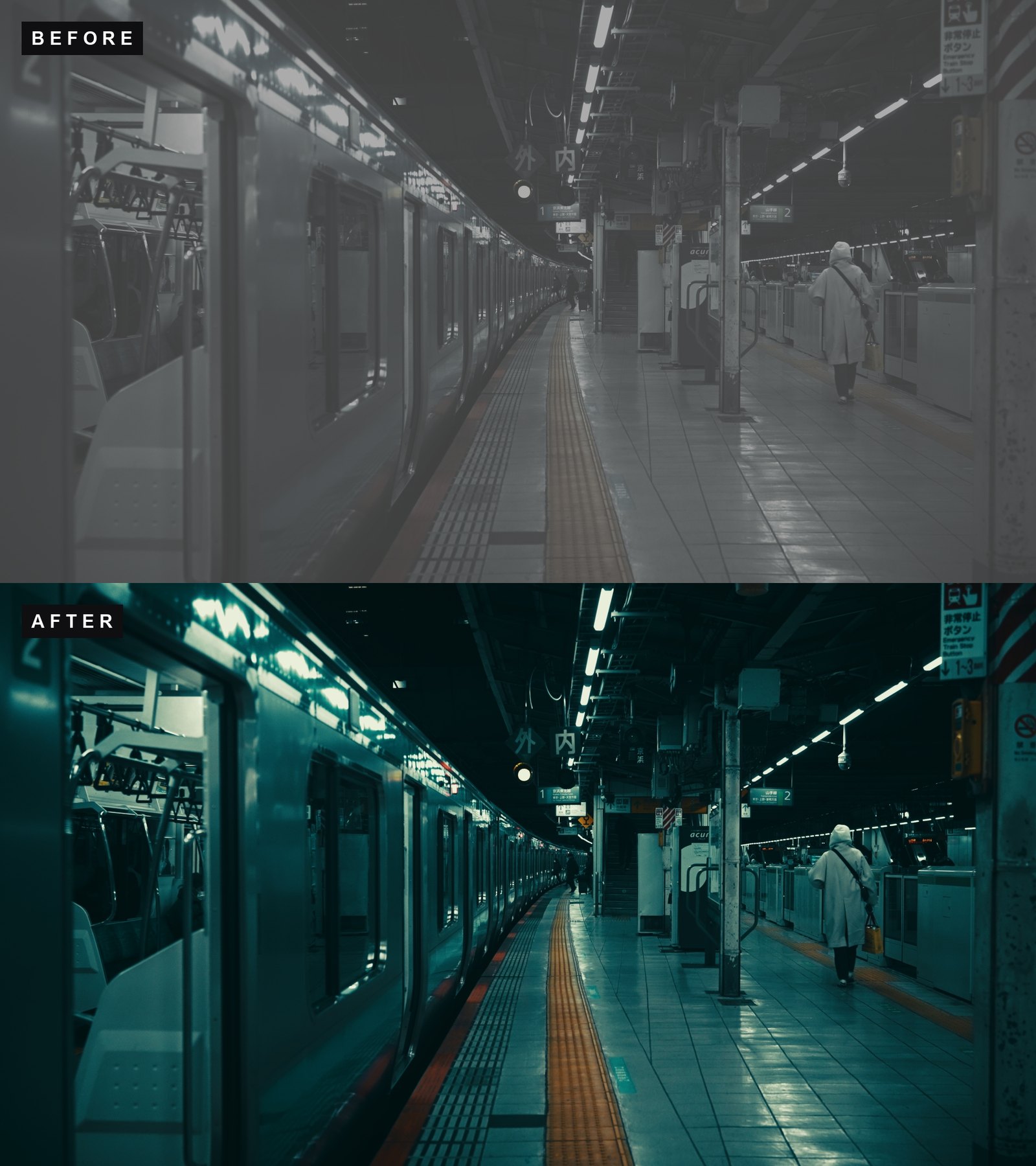
Left is the flat log image straight off the phone, right is after the conversion plus a creative look.
Want the graded looks too?
The conversion LUT gets you to clean, correct color. Creative looks go on top of that. IPHONE CINEMA has ten looks built specifically for iPhone footage, in both Log and Rec.709 versions, and it covers iPhone 15 Pro, 16 Pro and 17 Pro. The Apple Log and Apple Log 2 conversions are included in the pack, so you do not need to download them separately.
FAQ
Can I use my old Apple Log LUTs on Apple Log 2 footage?
They will produce an image, but not an accurate one. The gamut is wider on Log 2, so a LUT built for the original curve maps the color slightly wrong. Use the Apple Log 2 version instead, it is free.
Does the iPhone 16 Pro get Apple Log 2 in a software update?
No. Apple Log 2 is tied to the iPhone 17 Pro hardware. The 16 Pro keeps recording the original Apple Log.
Do I need ProRes RAW to use Apple Log 2?
No. Apple Log 2 works in regular ProRes and in HEVC. ProRes RAW is a separate option that captures more data and produces much larger files.
Is Apple Log 2 better than Apple Log?
For grading, yes, the wider gamut gives you more room. For everyday work the difference is smaller than the difference between shooting log and not shooting log at all.
Which strength should I use, Natural, Strong or Soft?
Start with Natural. Use Soft when you plan to grade heavily on top and want headroom, and Strong when you want a finished look straight out of the box.
Shooting on something other than an iPhone? We have free conversion LUTs for 15 cameras, including Sony S-Log3, Canon C-Log3, Panasonic V-Log and DJI D-Log.