
Description
A free Panasonic V-Log to Rec.709 conversion LUT from Lutcraft. Drop it on the
first node of your grade and your log footage lands on a neutral, correct starting point.
Build your look on top of it.
Works with
GH5, GH5 II, GH6, GH7, S1H, S5 and S5 II. Enable it in camera under Photo Style set to V-Log or V-Log L.
What is included
- 33×33 LUT for editing and grading
- 17×17 monitor version for on-set preview
- Install notes for Resolve, Premiere Pro, Final Cut Pro and Photoshop
Worth knowing
V-Log L on the smaller sensors is a reduced version of full V-Log. It works with the same conversion but has less range to pull from.
How to use it
Apply the conversion first, before any creative grading. In DaVinci Resolve copy the file
to your LUT folder, right-click the LUT browser and choose Refresh, then apply it to the
first node. In Premiere Pro load it under Lumetri Color, Basic Correction, Input LUT.
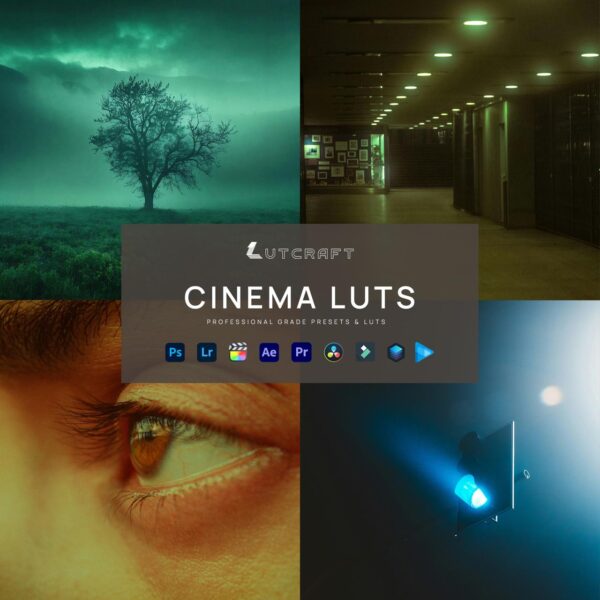
This gets you to neutral. CINEMA takes it the rest of the way, with cinematic looks built to sit on top of a clean V-Log conversion.